Carrying Proof of License on Your Phone
It’s a modern dilemma many of us face: do you really need to carry that physical hunting license in your wallet, or is your phone perfectly acceptable now? In a world where our smartphones hold everything from our banking information to our driver's licenses, it's only natural to wonder if your Indiana hunting license can reside safely on your screen. This guide will walk you through the ins and outs of carrying proof of your hunting license on your phone in Indiana, ensuring you stay legal and prepared for whatever the woods throw your way.
The Digital Shift: Embracing Your Phone as Your Hunting Wallet
Gone are the days when a crumpled paper license stuffed into a vest pocket was your only option. The Indiana Department of Natural Resources (DNR) has, like many state agencies, stepped firmly into the digital age, recognizing the convenience and prevalence of smartphones. This shift brings a lot of ease, but also new responsibilities for us hunters.
Indiana's Stance on Digital Licenses
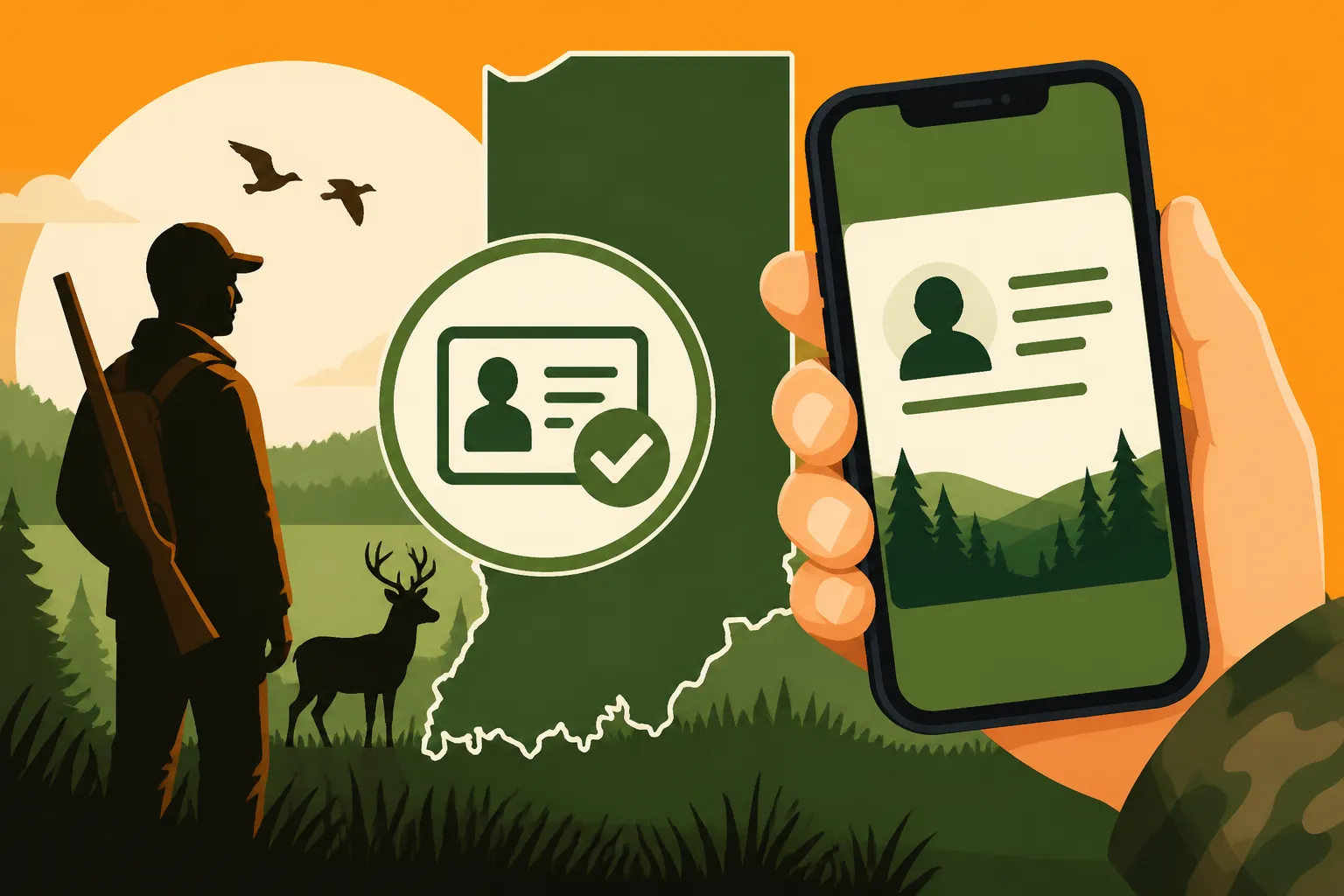
Indiana law is clear and accommodating: yes, you absolutely can carry proof of your hunting, fishing, or trapping license on your smartphone. The Indiana DNR has embraced technology, allowing hunters to display their licenses digitally to a conservation officer. This move was a huge relief for many of us who worried about losing a paper copy out in the field or simply preferred the modern convenience of having everything accessible on our devices. It’s validated the common frustration of remembering one more piece of paper, or having to stop at a bait shop to print one out before a hunt.
The key here is "proof." As long as you can clearly display your valid license information, you're good to go. This typically means having the official electronic copy from the Indiana DNR's Go Outdoors Indiana system readily available on your phone. Many states have made similar concessions, and Indiana has been at the forefront of this hunter-friendly adaptation. It means less paper waste and one less thing to forget on the kitchen counter when you're rushing out the door for that early morning sit. Whether you’re getting your first tag or renewing for the year, the process of buying a license on Go Outdoors Indiana is straightforward, and the digital proof is instantly accessible.
The Go Outdoors Indiana App Experience
For most Indiana hunters, the primary way to carry a digital license is through the official Go Outdoors Indiana mobile application. This app is a real game-changer. Once you've purchased your license or permits online, they are linked to your account and accessible within the app. You can log in, navigate to your licenses, and display them on your screen. It’s designed to be user-friendly, even for those of us who aren't tech gurus. The app also serves as your portal for things like harvest reporting, which is a critical part of Indiana's wildlife management. Imagine you've just dropped a nice buck in the Hoosier National Forest, and instead of fumbling for a pen and paper or trying to remember a website address, you can report your harvest right there, quickly and efficiently.
While powerful mapping tools like GoHunt are fantastic for scouting out new areas, understanding land ownership, or pinpointing key habitat features for your next hunting trip, your official Indiana hunting and fishing licenses are most reliably managed and displayed through the Indiana DNR's Go Outdoors Indiana system. It’s the direct, official line to your legal documentation. The app ensures that the information is accurate, up-to-date, and recognized by conservation officers across the state. It essentially transforms your phone into a compact, digital hunting and fishing office, providing immediate access to your legal documents and crucial reporting functions, even when you're deep in the timber.
Essential Considerations for Relying on Your Phone
While carrying your license on your phone offers unparalleled convenience, it’s not without its potential pitfalls. Relying solely on a piece of technology in the often harsh and unpredictable environment of the Indiana outdoors requires some foresight and preparation. Many of us have experienced the sinking feeling of a dead phone battery or a cracked screen, and those moments can be particularly stressful when a conservation officer is asking for your license.
Battery Life and Durability Challenges
This is perhaps the biggest and most common headache for anyone relying on their phone in the woods. Modern smartphones, especially in cold weather, can see their battery life plummet dramatically. Picture this: you've been sitting in your stand since before dawn on a frosty November morning, diligently checking Scouting With the Indiana DNR App for last-minute intel or simply trying to stay awake with a quick game. Your phone, exposed to the elements, slowly drains. Then, as you're walking back to the truck, a conservation officer approaches. You reach for your phone, only to find it's completely dead. It’s a frustrating scenario, and it happens to even the most prepared hunters.
Beyond battery drain, phones are fragile. A slip on a muddy bank, a fall from a treestand pocket, or even just a heavy rain shower can render your device unusable. A cracked screen might make your license unreadable, or a waterlogged phone might simply refuse to power on. Protecting your phone from impact and moisture is paramount. Many hunters invest in rugged, waterproof cases, which are a wise choice for the unpredictable Indiana weather, especially if you find yourself out during a sudden downpour, needing that crucial Rain Gear for an Indiana Downpour. Don't let a simple mishap turn your legal proof into a costly problem.
Offline Access and Connectivity Woes
Indiana has some truly wild and remote places, from the deep hollers of the Hoosier National Forest to the sprawling Kankakee River marshes. In many of these prime hunting areas, cell service is, to put it mildly, nonexistent. This is a critical point when relying on a digital license. If your license is simply a webpage you need to load or an app that requires an active internet connection to retrieve your data, you could be out of luck when a conservation officer asks to see it. It's a common frustration, especially for those of us who hunt public land far from cell towers.
The solution is simple but vital: always ensure your digital license is downloaded or saved to your phone for offline viewing. The Go Outdoors Indiana app generally allows for this, but it's crucial to verify it before you head out. Don't assume. Test it by turning off your cellular data and Wi-Fi at home and trying to access your license. This preparedness is essential, particularly when hunting in areas known for poor connectivity. Nothing is more exasperating than knowing you have your license, but you just can't display it because the cell towers decided to take a day off. This goes for all your digital tools, including those useful for Using Go Outdoors Indiana Without Cell Service.
Screen Damage and Visibility
Even if your phone is charged and you have offline access, a damaged screen can create issues. A spiderweb of cracks might make the text on your license illegible, frustrating both you and the conservation officer. Glare from the sun, especially when hunting open fields or sunny ridges, can also make it difficult to read your screen quickly. While these might seem like minor inconveniences, they can prolong an encounter with a warden and create an impression of unpreparedness.
Consider investing in a good quality screen protector, not just for durability, but also one that might help reduce glare. Always make sure your screen brightness is turned up when displaying your license. Conservation officers are accustomed to seeing digital licenses, but their job is to verify your credentials efficiently. Making their job harder with a dim, cracked, or glary screen won't win you any favors. It's all about presenting your information clearly and respectfully, just as you would with a physical document.
Best Practices for Carrying Digital and Backup Proof
So, you’ve decided to go mostly digital with your hunting license. That’s a smart move for convenience, but it’s crucial to implement some best practices to avoid any unexpected headaches in the field. Think of it less as an either/or situation and more as a multi-layered approach to preparedness.
Always Have a Backup Plan
Despite the convenience of digital licenses, every seasoned hunter will tell you: have a backup. A physical, printed copy of your license, kept dry and protected, is the ultimate peace of mind. Laminating it can protect it from sweat, rain, or accidental spills in your pack. This paper copy can be tucked into a waterproof baggie in your Packs for a Hoosier Forest Day Hunt, or even kept in your vehicle’s glove compartment, just in case. If your phone decides to take an unexpected swim in a creek or simply runs out of juice at a critical moment, that physical copy is your saving grace.
It’s also wise to have a screenshot of your license saved to your phone’s photo gallery. This provides an even quicker way to display it, bypassing the need to open an app or navigate menus, which can be slower if you have a spotty internet connection or if the app itself is being finicky. While Indiana offers both resident license options and nonresident license options, regardless of your status, that physical backup is always a good idea. Consider it your insurance policy against technology failing when you least expect it.
Preparing Your Phone for the Field
Before you even step foot out the door, take a few minutes to prepare your phone. First and foremost, charge it to 100%. Don't assume a half-charged phone will last a full day in the cold woods. If you're planning an extended hunt or know you'll be in an area with weak cell service, bring a fully charged portable power bank. There are many rugged, waterproof power banks available that can provide multiple charges for your device.
Next, double-check that your license is accessible offline. Open the Go Outdoors Indiana app, navigate to your license, and ensure it’s visible without an internet connection. If you’re not using the app, make sure you have a clear, high-resolution PDF or screenshot saved to your phone’s local storage. Finally, invest in a robust, waterproof, and shockproof case. Indiana's hunting environments are not kind to delicate electronics. From dusty farm fields to wet river bottoms, your phone will face challenges. And while tools like GoHunt can provide invaluable mapping and scouting information, always remember that your official DNR app or a printed copy is the legal proof you need.
Navigating a Check with a Digital License
So, you're out in the field, enjoying the quiet solitude, and a friendly Indiana conservation officer approaches. They'll likely ask to see your license. This is where your preparedness pays off.
- Be Polite and Cooperative: Always greet the officer respectfully and immediately acknowledge their request.
- Have it Ready: Don't make them wait while you dig through your pack. If you're using a digital license, have your phone easily accessible.
- Quick Access: Open the Go Outdoors Indiana app or pull up your saved screenshot/PDF quickly. Present it clearly.
- Hands-Off: Most officers will simply want to see the license on your screen. Unless they explicitly ask, do not hand them your phone. You're simply displaying proof, not relinquishing your device.
- Address Issues Calmly: If, despite your best efforts, your phone dies, the screen is unreadable, or you can’t access it, calmly explain the situation and immediately offer your physical backup. This is why the backup is so crucial.
Conservation officers are generally understanding of technology's quirks, but they still need to verify your compliance with state regulations, including the Indiana Property Access Sign-In Process if you're on certain public lands. Making the process smooth and straightforward is always in your best interest.
Here’s a quick comparison of digital versus physical license proof:
| Feature | Digital License (Phone App/PDF) | Physical License (Printed Paper) |
|---|---|---|
| Convenience | High (always with you if phone is, no extra paper) | Moderate (can be lost, crumpled, forgotten if not in wallet) |
| Accessibility | High (instant access if phone works and charged) | High (if readily available, no tech issues) |
| Durability | Low (prone to breakage, water damage, battery drain) | Moderate (can tear, get wet, but no tech dependency) |
| Offline Access | Requires prior download/save, not always guaranteed with apps | Always available, no internet needed |
| Visibility | Subject to screen damage, glare, brightness settings | Always visible if intact |
| Backup Potential | Can be screenshot, but still tied to phone. | Is the ultimate backup for digital. |
| Acceptance | Legally accepted by Indiana DNR | Legally accepted by Indiana DNR |
| Integration | Integrates with harvest reporting in Go Outdoors Indiana app | Standalone document |
In the end, while the ability to carry your hunting license on your phone is a fantastic modern convenience, it’s not an excuse for complacency. The wild places we hunt in Indiana demand a certain level of preparedness, and ensuring you can legally prove your right to be there is a fundamental part of that. Whether you’re setting up a trail camera on Indiana public land or exploring new territory, always ensure your license is ready to be displayed.
Disclaimer
The information provided in this guide is for general informational purposes only and does not constitute legal advice. While efforts are made to ensure accuracy, hunting regulations can change. Always consult the most current Indiana Department of Natural Resources (DNR) regulations and laws before engaging in any hunting activities.