Reporting a Deer Through Indiana’s App
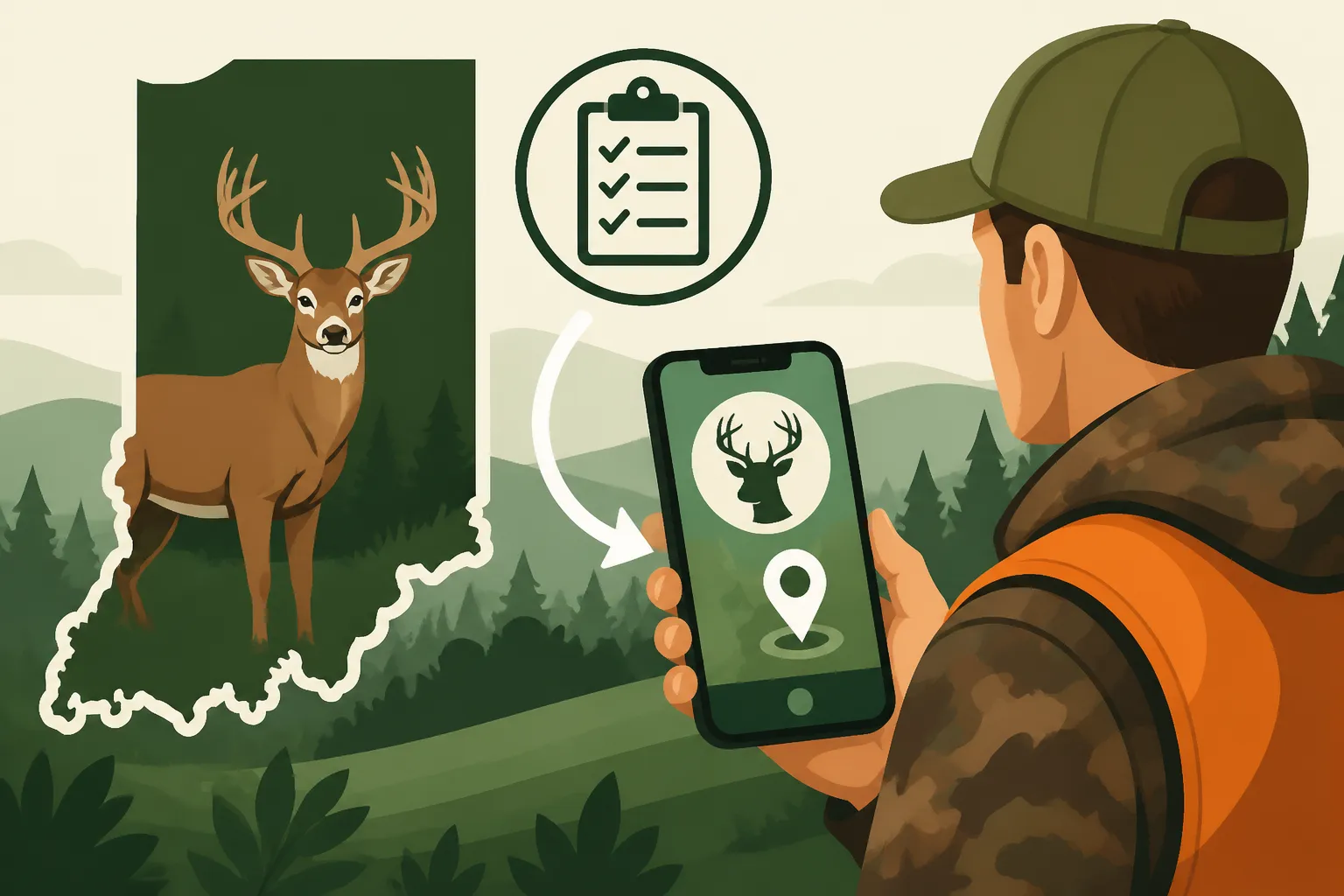
You’ve just tagged a beautiful Hoosier whitetail, the adrenaline is still pumping, and you're already thinking about field dressing and getting it back to camp. But then it hits you: the mandatory deer check-in. In the past, this often meant finding a local check station, sometimes far out of the way, or fumbling with a call-in system. For years, this was a necessary hurdle, but it definitely added an extra layer of stress to an already busy day afield. Thankfully, the Indiana Department of Natural Resources (DNR) now offers a streamlined solution through its official app, making the reporting process much easier and more convenient for hunters across the state. This guide will walk you through how to use the Indiana DNR app to report your deer quickly and efficiently, ensuring you stay legal and contribute to vital wildlife management.
Why Reporting Your Deer Matters and Addressing Common Hurdles
It might feel like just another piece of bureaucratic paperwork when you're tired after a long day of hunting, but reporting your deer harvest is a crucial step that goes far beyond simply complying with the law. It’s an essential part of responsible hunting and plays a significant role in how Indiana manages its incredible deer herd.
The Critical Role of Harvest Data for Indiana's Deer Management
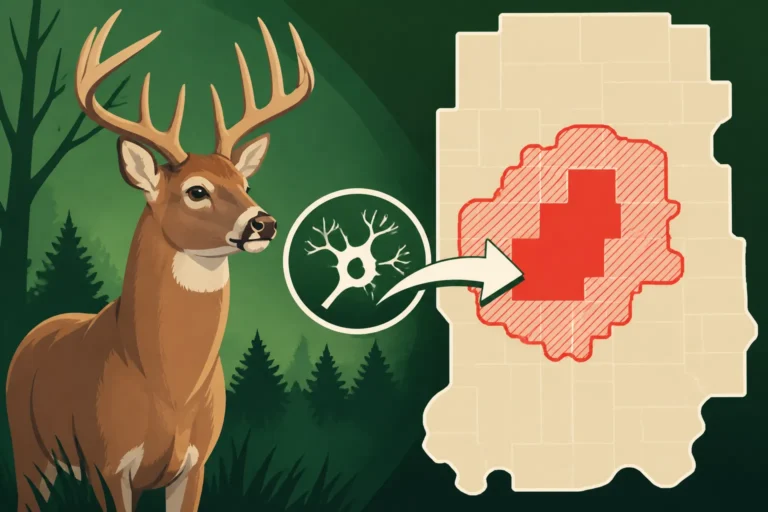
Every single deer reported in Indiana, whether it's a monster buck from the hills of Brown County or an antlerless deer taken from a suburban reduction zone, contributes to a massive dataset that the DNR meticulously analyzes. This information allows wildlife biologists to understand population trends, herd health, and the impact of various hunting seasons. Without accurate harvest numbers, it would be incredibly difficult for the DNR to make informed decisions about bag limits, season lengths, and even specific management strategies in areas like the Chronic Wasting Disease Positive Area in Indiana.
Think about it: when you submit your report, you're providing data points on the sex ratio of the harvest, the county of kill, the type of weapon used, and the date. This mosaic of information paints a detailed picture of the deer population. It helps experts determine if deer numbers are increasing or decreasing in specific regions, if particular hunting methods are more effective, and if there are any emerging health concerns. It's how the DNR gauges the success of efforts to maintain a healthy and sustainable deer herd for future generations of hunters. Without this input, wildlife management would essentially be flying blind.
Overcoming Common Frustrations with Traditional Reporting Methods
For a long time, hunters in Indiana faced a few common frustrations when it came to reporting their deer. Prior to digital options, it was either driving to a physical check station or calling in over the phone. Physical check stations, while sometimes offering a fun social aspect, could be inconvenient, especially if you were hunting far from populated areas or if you harvested a deer late in the evening. Finding an open station, often before the Indiana Deer Reporting Deadline, could be a real scramble.
Then came the phone-in system, which was an improvement, but still had its own set of issues. You had to remember specific codes, navigate automated menus, and sometimes battle poor cell service in remote hunting spots. It was easy to make a mistake or get disconnected. Plus, in today's digital age, many hunters prefer the ease and speed of an app. That's where the Indiana DNR app steps in, aiming to cut down on these frustrations by putting the reporting power right in your pocket. It's designed to be a much more intuitive and user-friendly experience, making the process almost as seamless as buying your Indiana Hunting Licenses and What They Cost.
Downloading and Setting Up the Official Indiana DNR App
Before you can report your trophy or your freezer filler, you need to get the official Indiana DNR app onto your smartphone. This isn't just any hunting app; it's the official conduit for managing your licenses and reporting your harvests in the state. Getting it set up correctly is the first crucial step to a hassle-free season.
Finding and Installing the App on Your Device
The Indiana DNR’s official app is readily available for both Apple (iOS) and Android devices. You’ll want to head to your device’s respective app store – the App Store for iPhones or Google Play Store for Androids – and search for "Indiana DNR." You might see other hunting apps, perhaps even popular mapping tools like OnX or scouting aids like GoHunt, but you're looking for the official Indiana DNR product, which typically features the DNR logo. Once you've found it, simply tap to download and install.
The installation process is straightforward, much like any other app on your phone. Make sure you have a stable internet connection, whether it’s Wi-Fi or cellular data, to ensure a smooth download. After installation, you'll see the app icon on your home screen or in your app drawer. It’s a good idea to download and familiarize yourself with the app before hunting season starts, or definitely before you harvest a deer. There’s nothing worse than trying to figure out new technology when you’re standing in a cold timber stand after Field Dressing a Deer in Cold Weather!
Creating or Linking Your Hunter Profile and Licenses
Once the app is installed, the next step is to log in or create your hunter profile. This is where the app truly connects to your official hunting records. If you’ve ever purchased a license online through the Go Outdoors Indiana portal, you likely already have an account. You’ll use those same login credentials (typically an email address and password) to access your profile within the app. If you don't have an existing account, the app will guide you through the process of creating one, asking for personal details to link to your hunter identification number.
It’s absolutely vital that your hunter profile within the app accurately reflects all your current Indiana Hunting Licenses and What They Cost and permits. The app should automatically display your purchased licenses, such as your deer tags, turkey tags, and any special permits. Take a moment to verify that everything looks correct. If you find any discrepancies, it's best to resolve them with the DNR directly before you head out hunting. Many hunters find it incredibly convenient to have Carrying Proof of License on Your Phone now, and this app serves that purpose perfectly, keeping everything digital and easily accessible.
A Step-by-Step Walkthrough for Reporting Your Deer
Alright, the moment of truth. You’ve successfully harvested a deer, the adrenaline has settled, and you’re ready to make that mandatory report. The Indiana DNR app is designed to make this as smooth as possible, but having all your ducks in a row before you open the app will save you time and potential headaches.
Gathering All Necessary Information Before You Begin
Before you even tap that "Report Harvest" button, make sure you have the following critical pieces of information readily available. This will ensure a quick and accurate submission, minimizing the chances of errors.
- Your License/Tag Number: This is the unique identifier found on your physical or digital deer tag that you’ve affixed to your harvested deer. Don't confuse it with your hunter ID number.
- County of Harvest: You need to know the specific county where the deer was taken. This is incredibly important for Indiana Deer Harvest Records and localized management.
- Sex of Deer: Clearly identify whether your harvest is a buck (male) or a doe (female).
- Date and Approximate Time of Harvest: The exact date and a close approximation of the time you took the deer.
- Weapon Type Used: Indicate whether you used archery equipment (bow or crossbow), a firearm (rifle, shotgun, handgun), or a muzzleloader. This ties into specific season structures like Bowhunting Indiana's Long Archery Season, Indiana's Firearms Deer Season, and Muzzleloader Deer Hunting in Indiana.
- Antler Points (if applicable): For antlered bucks, you'll need to count the number of antler points. This information is vital for understanding buck age structure and herd health.
Having all these details written down or clearly memorized will make the app reporting process flow seamlessly. Don’t wait until you're in the middle of the app's questions to try and remember these details, especially if you’re out in a remote area with spotty service.
Navigating the App's Reporting Interface
With your information ready, open the Indiana DNR app. You'll typically find a prominent button or menu option labeled "Report Harvest" or "Deer Check-in." Tap on this to begin. The app will then guide you through a series of screens, prompting you for the information you've already gathered.
Here’s a general flow you can expect:
- Select Species: Choose "Deer" from the available options.
- Enter Tag Number: Carefully type in the unique license or tag number from your physical tag. Double-check for accuracy!
- Choose County: Select the county of harvest from a drop-down list. This is crucial for local data. For instance, if you’re Hunting Southern Indiana Hill Country, you'd select the appropriate southern county. If you're Hunting Northern Indiana Farmland Deer, you'd pick a northern county.
- Date and Time: Input the date and approximate time of the kill.
- Weapon Used: Select the primary weapon type. This aligns with Indiana Archery Season Dates, Indiana Firearms Season Opening Day, and Indiana Muzzleloader Season Dates.
- Sex of Deer: Indicate if it's male or female.
- Antler Information (if buck): If you reported a male deer, you'll be prompted for antler points. Count accurately!
- Review: The app will likely display a summary of all the information you’ve entered. This is your last chance to review everything for accuracy before final submission. It’s better to catch a mistake here than to have an incorrect report on file.
Follow the on-screen prompts carefully, ensuring each field is populated correctly. The app is designed to be user-friendly, but a moment of inattention can lead to an error.
Double-Checking and Submitting Your Official Harvest Report
Once you've reviewed all the information on the summary screen, and you're confident everything is accurate, you'll typically see a "Submit" or "Confirm" button. Tap this to finalize your report. The app will then process your submission, and if successful, you should receive a confirmation number. This confirmation number is incredibly important, as it serves as your official proof that the deer has been legally reported.
It's a good practice to screenshot this confirmation page or jot down the confirmation number somewhere safe, even if you’re using an app like GoHunt to keep track of your hunting stats. While the DNR app generally stores your past reports, having an immediate record provides peace of mind. This number is your official record that you’ve met the legal requirement, and it's what you'd reference if there were ever any questions about your harvest. Once submitted, the deer is officially checked, and you can focus on processing your venison, knowing you’ve done everything by the book.
| Required Information | Description | Why It's Needed |
|---|---|---|
| License/Tag Number | Unique identifier from your deer tag | Legal proof of harvest, links to your permit |
| County of Harvest | Specific Indiana county where deer was taken | Crucial for localized herd management and data analysis |
| Sex of Deer | Male (buck) or Female (doe) | Tracks male/female ratios in the population |
| Date of Harvest | Exact calendar day the deer was killed | Tracks harvest timing relative to seasons and rut |
| Approximate Time of Harvest | General time of day (e.g., morning, noon, afternoon, evening) | Helps analyze deer movement patterns and hunter success |
| Weapon Type Used | Archery, Firearm, Muzzleloader | Distinguishes harvest by season and equipment type |
| Antler Points (if applicable) | Number of points on a buck's antlers (for antlered deer) | Provides insights into buck age structure and herd quality |
Troubleshooting and Alternative Reporting Methods
While the Indiana DNR app is incredibly convenient, technology isn’t always perfect. You might run into situations where cell service is non-existent, the app acts up, or you just need an alternative. Don't fret – there are always solutions to ensure your deer gets reported legally.
Dealing with No Cell Service or Connectivity Issues in the Field
One of the most common issues hunters face when trying to use an app in the field is a lack of reliable cell service. Remote public lands, deep river bottoms, or thick woods often present connectivity challenges. If you find yourself in this situation after harvesting a deer, don't panic or try to force the app to work. You have a few options:
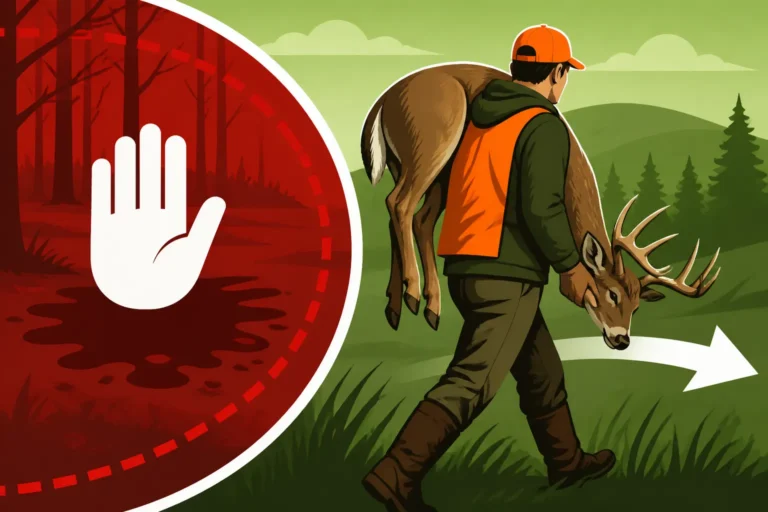
First, complete all necessary tagging of your deer immediately after harvest, as required by law. This physical tag is crucial. Then, move to an area where you can get cell service or Wi-Fi. Many hunters will simply drive out of their hunting spot a few miles, or wait until they get home, to submit their report. The key is to get the deer reported as soon as possible once you have service, and definitely before the Indiana Deer Reporting Deadline. Remember, it’s not legal to process your deer beyond field dressing or transport it beyond its initial drop-off location without it being reported and having that confirmation number.
What to Do When the App Encounters Glitches or Errors
Sometimes, it’s not the cell service but the app itself that’s having a bad day. Apps can crash, freeze, or display error messages. If you’re experiencing persistent issues with the Indiana DNR app, try these troubleshooting steps:
- Restart the App: Close the app completely and reopen it. This often resolves minor glitches.
- Restart Your Phone: A full phone restart can clear up many app-related problems.
- Check for Updates: Ensure your app is updated to the latest version. Outdated apps can sometimes cause functionality issues. Go to your device’s app store and check for available updates.
- Clear Cache: On Android, you can often clear an app’s cache in your phone settings, which can fix performance issues.
- Use the Website: If the app simply won’t cooperate, remember that the Go Outdoors Indiana website offers the exact same reporting functionality. You can access it from any computer or even your phone's web browser once you have internet access. This web portal is a reliable backup.
If all else fails, and you're still unable to report your deer, the Indiana DNR customer service line is your next best option. They can guide you through the process over the phone or troubleshoot specific technical issues. While rare, it's good to know there's a human being on the other end if you really get stuck.
Confirming Your Report and Understanding the Deer Reporting Deadline
Once you’ve submitted your deer harvest through the app or website, you should receive an immediate confirmation number. This number is your proof of reporting. As mentioned, screenshot it or write it down. The Indiana DNR also typically sends an email confirmation, so check your inbox (and spam folder, just in case).
Understanding the Indiana Deer Reporting Deadline is also crucial. Indiana law generally requires that deer be reported within 48 hours of harvest. This timeframe is important for data collection and ensuring compliance. Missing the deadline can lead to complications, so always prioritize reporting your deer as promptly as possible after you've legally tagged it and are able to access a reporting method. Being aware of this deadline, especially during busy seasons like when Hunting the Rut in Early November when many deer are harvested, ensures you're always within the bounds of the law.
Remember, a successful hunt isn't just about the harvest itself; it's also about following through with all legal requirements. The Indiana DNR app makes this final step much simpler, letting you focus more on the incredible experience of hunting in the Hoosier state.
Disclaimer
The information provided in this article is intended for general guidance and informational purposes only. Hunting regulations and laws can change. Always consult the official Indiana Department of Natural Resources (DNR) website or their current hunting and trapping guide for the most up-to-date and accurate regulations before engaging in any hunting activities.